Cut out in one tap
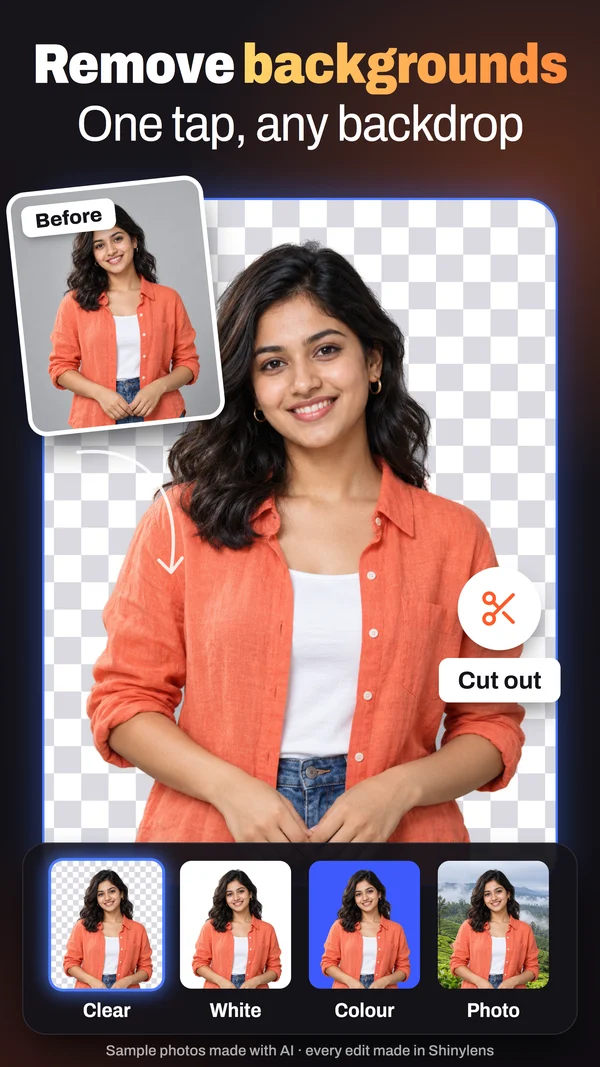
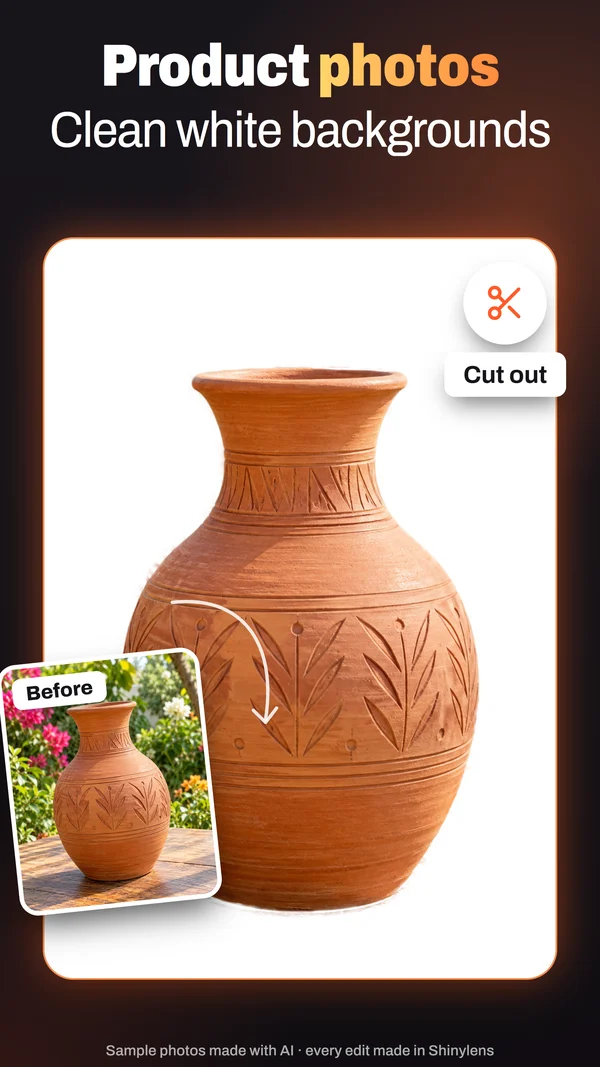
Remove the background and put the subject on clear, white, blurred or any colour. Keep and Remove brushes fix the edges you care about.
Photo editor for Android™ · No AI
Shinylens is a full photo editor with no AI in it. Cut out, heal, fix light and colour, make form photos and collages: every tool is free, and the app never uploads your photos.
 Coming soon
See it work
Coming soon
See it work
See it work
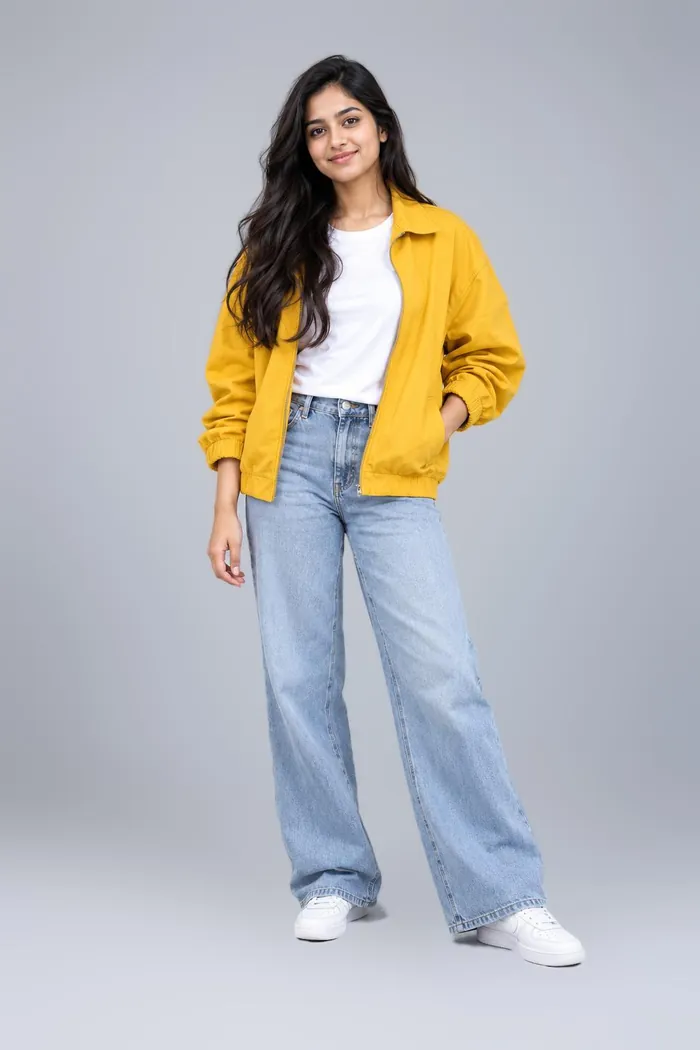
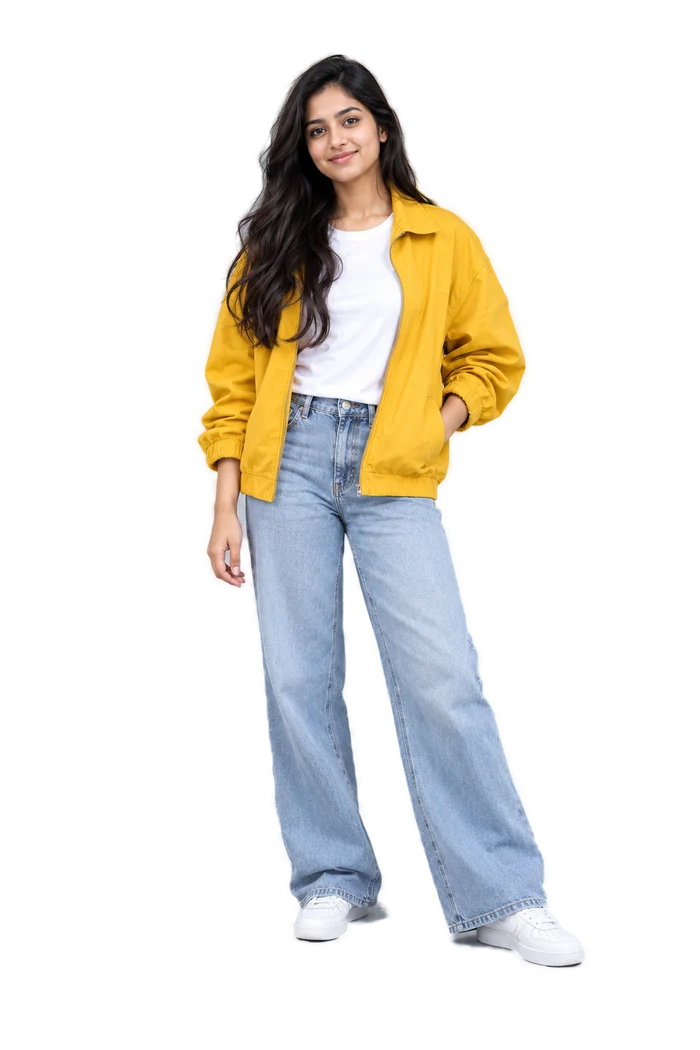
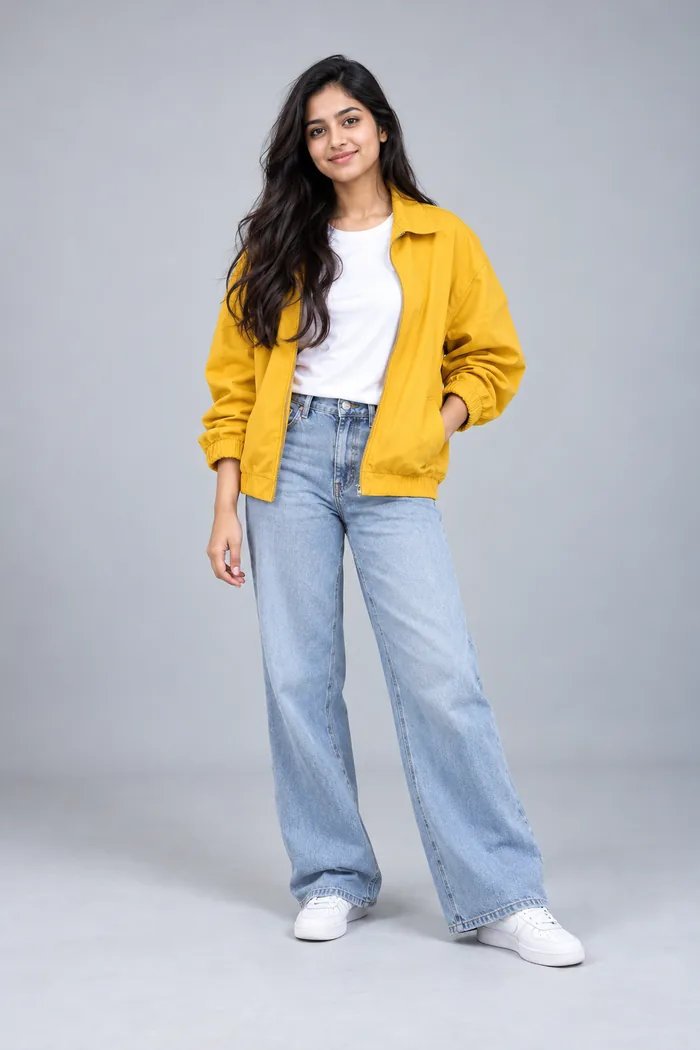
Made with Shinylens's own Cut out on this photo, not touched up afterwards. Pick a background, then drag the handle.
BeforeAfter
Colour: any colour you pick.
Features
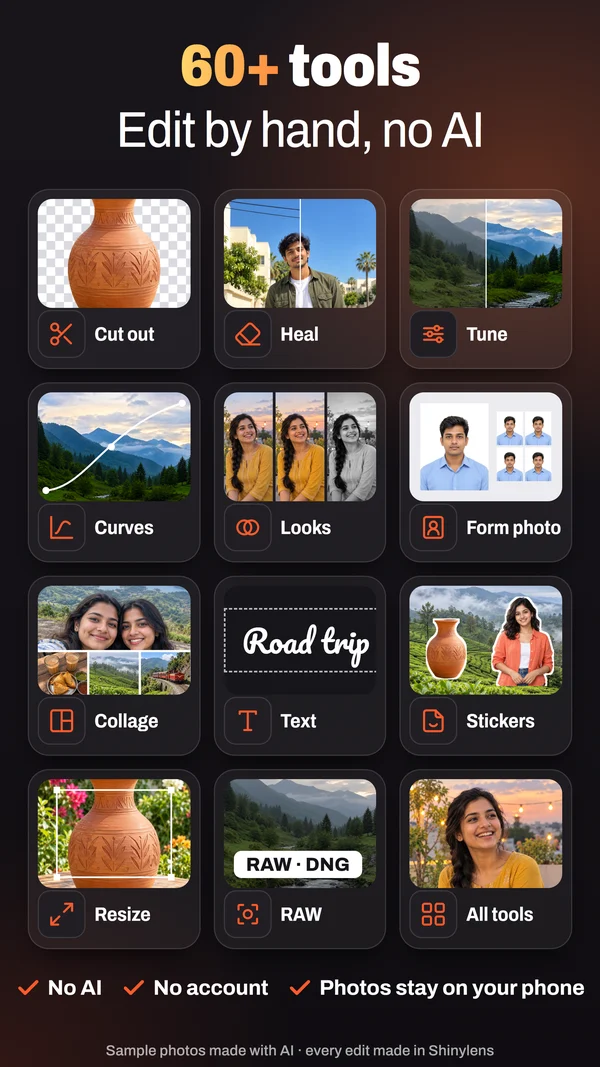
Classic image processing you can see and undo, with your tools under the photo.
Remove the background and put the subject on clear, white, blurred or any colour. Keep and Remove brushes fix the edges you care about.
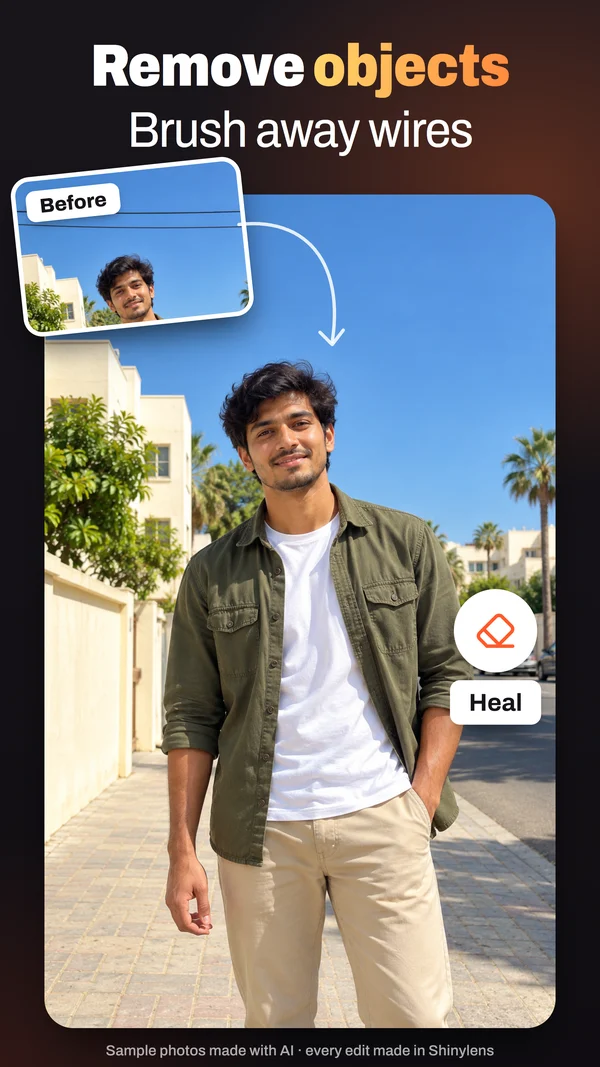
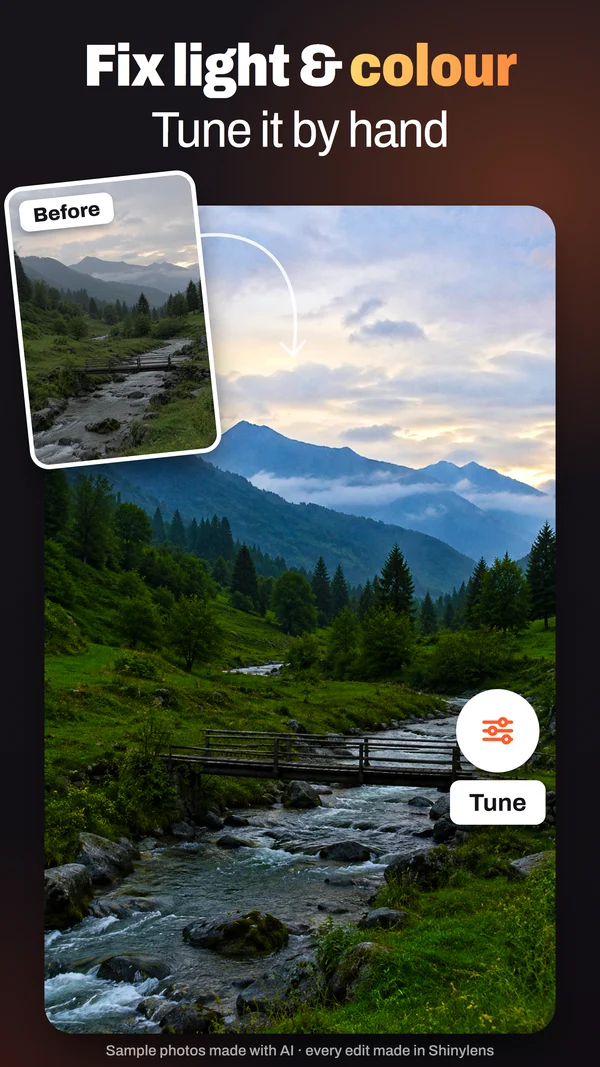
Brush away a stranger, a wire or a spot. Fix light, colour, curves and black & white, with brush, gradient and circle masks.
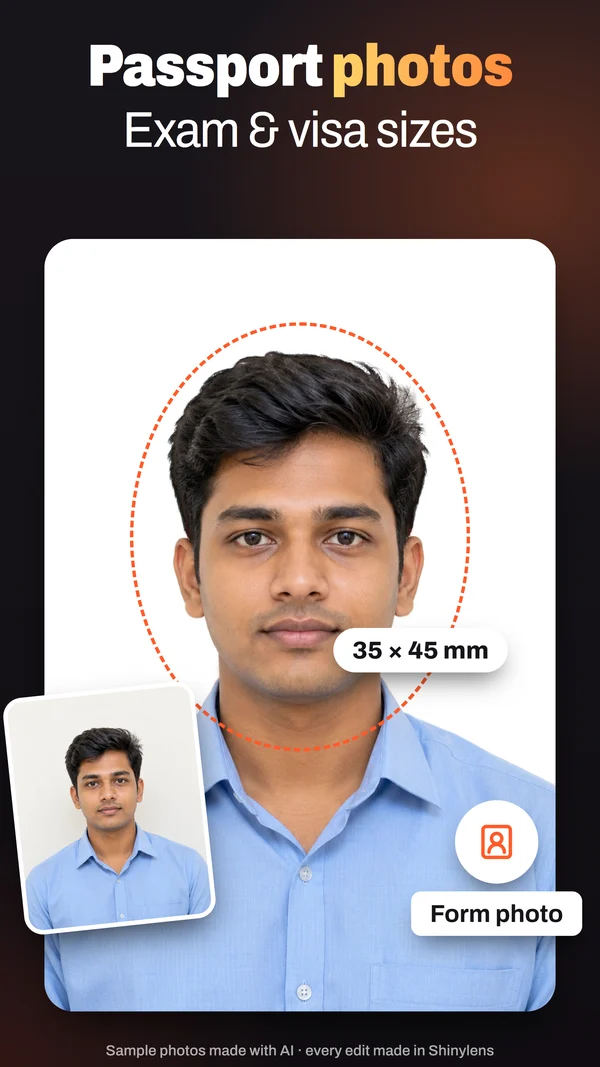
Exam and visa sizes, under any KB limit, with print sheets.
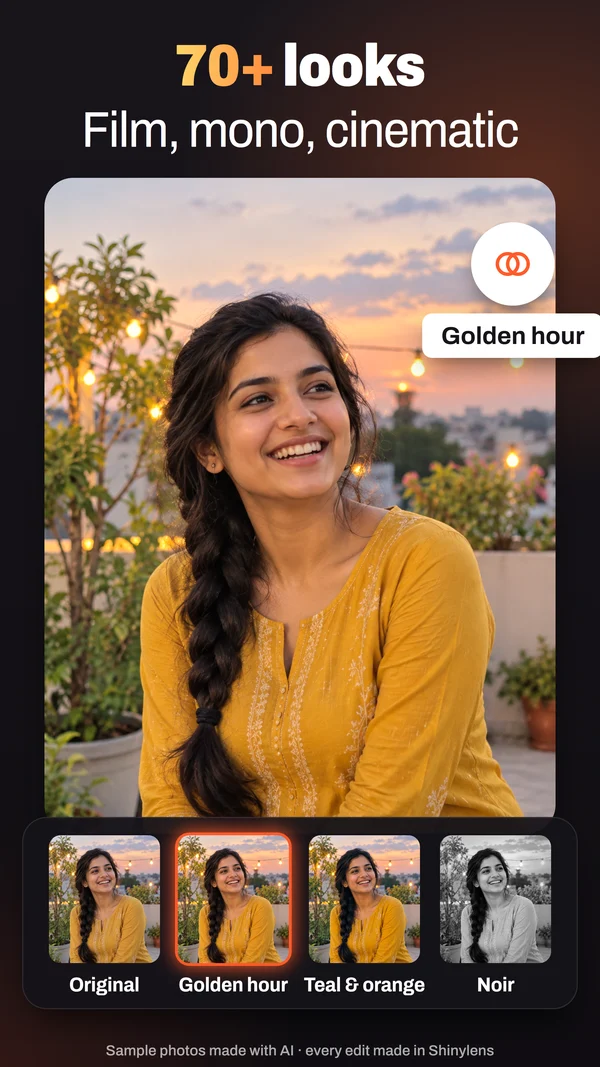
Film, mono and colour looks. Save your own and share it as a QR code.
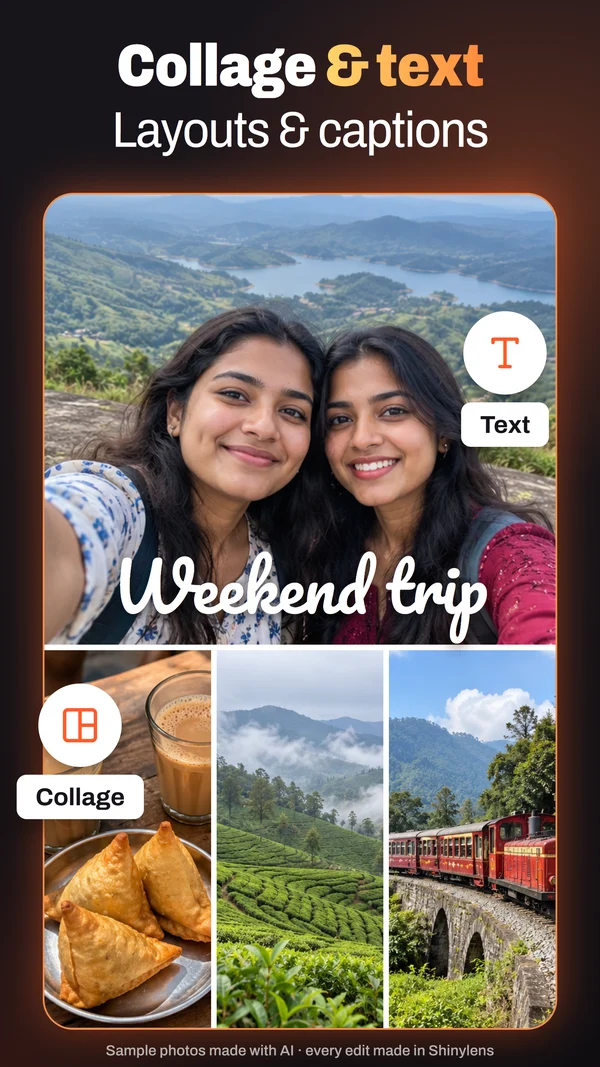
Layouts, captions, emoji, frames, and your own cut-outs as stickers.
Open RAW files, merge brackets and scan film negatives.
Resize to pixels or KB, convert, and clean photo details for many photos at once.
Every step is kept: go back to any point, or revert to the original.
Photos into a moving GIF, a PDF page into a photo, your signature on a clear background.
Turn your cut-outs into a sticker pack, with a white outline if you like.
How it works
Pick it in Android's photo picker, share it in from any app, or add a folder. No gallery permission, no account.
Your tools sit under the photo. Every change is a step you can see, adjust and undo.
Your original stays as it was unless you choose to replace it. Location is removed from saved copies by default.
Why it's different
An editor where you make every change, and the photo stays yours.
| Shinylens | Typical AI photo editor | |
|---|---|---|
| Who makes the edit | You, step by step | A model you can't see |
| Your photos | Stay on your phone | Often sent to a server |
| Account | None | Often required |
| Price | Every tool free | Key tools behind a subscription |
| Ads | One, on the Profile page; Remove ads, once | Often in the editor |
Screens
Drag or use the arrows.
FAQ
No. Every tool is classic image processing that runs on your phone, and every change is a step you can see and undo. The sample photos on this page and in the store were made with AI; every edit on them was made with Shinylens.
Every tool is free. The Profile page shows one ad; Remove ads, bought once on Google Play, turns it off. There is no subscription.
No. The app never uploads your photos or edits, and it has no account. Only the Profile page's ad uses the internet. Details: Privacy.
Yes: pick the size and it crops, sizes and compresses to the KB limit, with print sheets. Check the office's own rules before you submit.
Android 10 and newer.
Settings › Back up writes your edits, and your photos if you choose, to one file. Restore it on the new phone.
Shinylens is coming soon to Google Play. This page will link to it the day it’s out.
Coming soon to Google Play
Every tool free · No AI · No account · Your photos stay on your phone
Launching soon