
Write like on paper
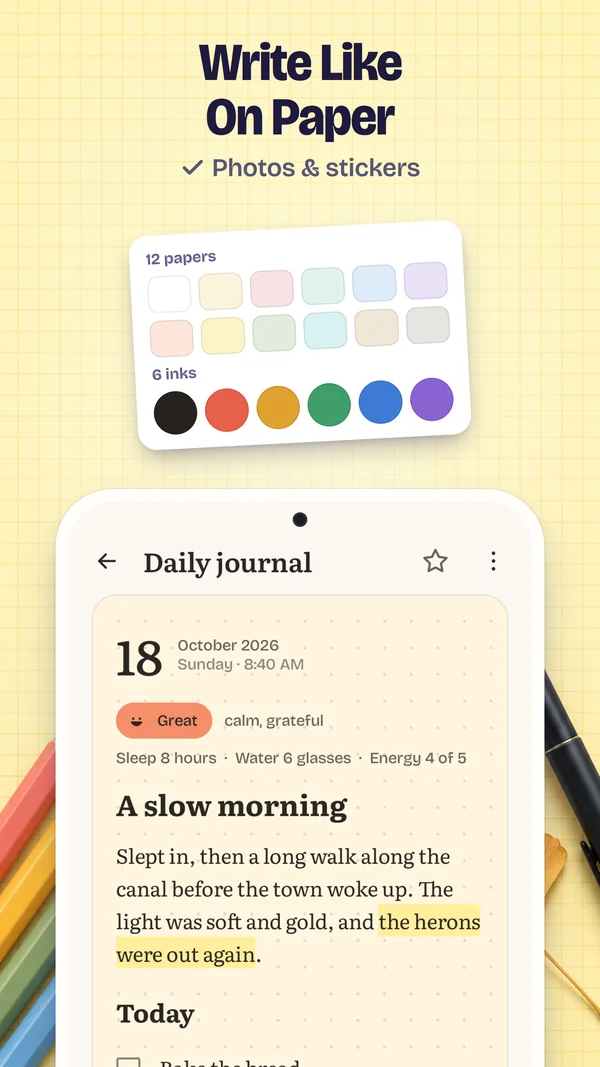
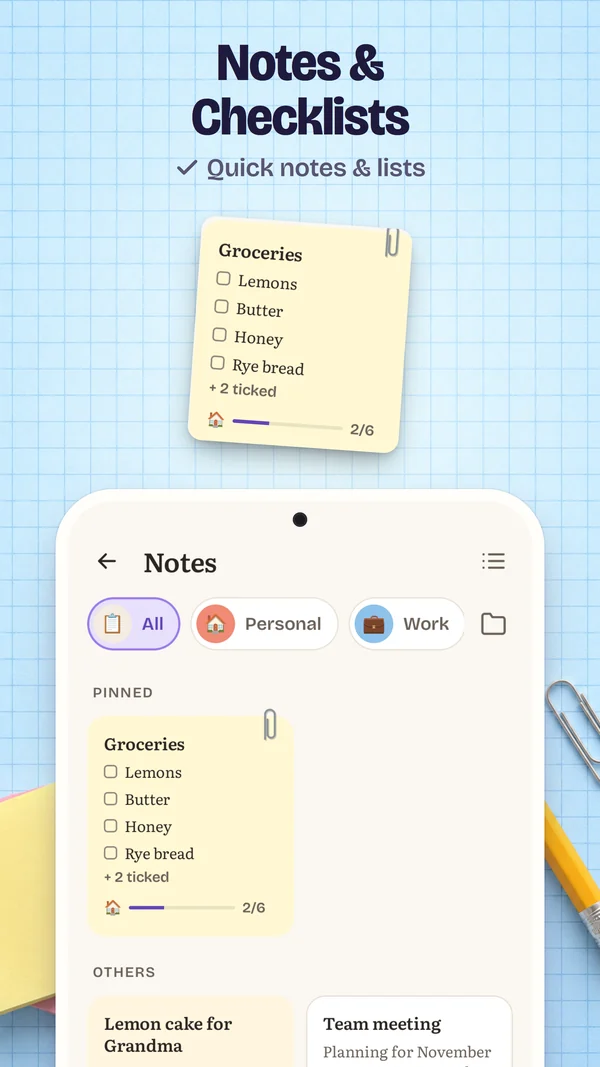
Headings, lists and checklists; bold, italic, highlight and six ink colours; four typefaces, one of them handwriting — on plain, dotted or squared paper in twelve tints.
Private journal & diary for Android™
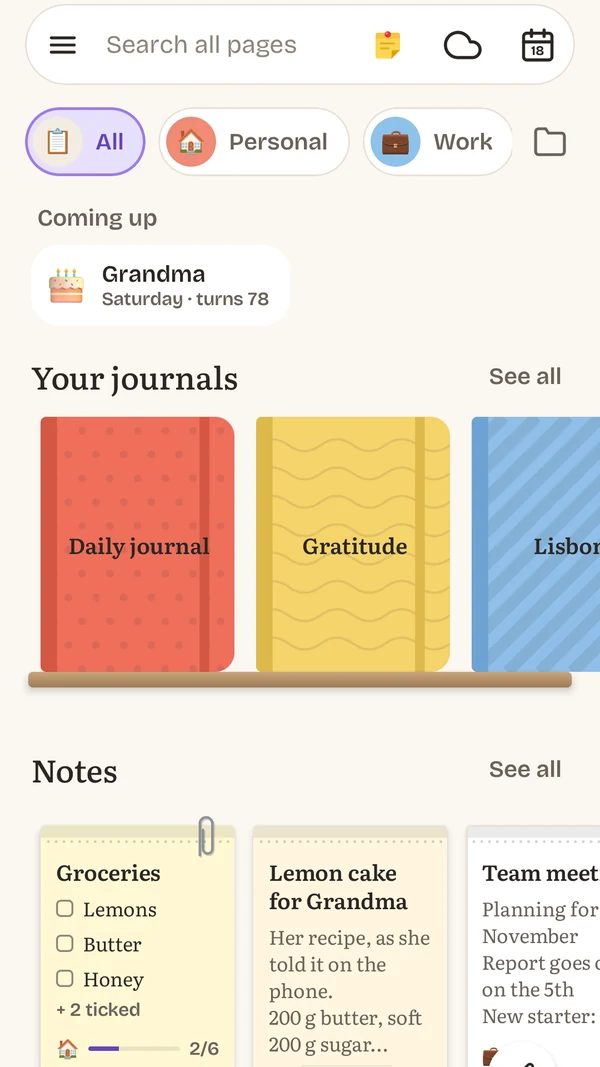
Journal & Notes is a private journal and planner: pages with moods, photos and lists, notes and checklists, a calendar with tasks and reminders, and 70+ templates. It works offline, so what you write stays on your phone.
Features
Pages, plans, moods and memories in one private place, and every part of it works offline.
Headings, lists and checklists; bold, italic, highlight and six ink colours; four typefaces, one of them handwriting — on plain, dotted or squared paper in twelve tints.
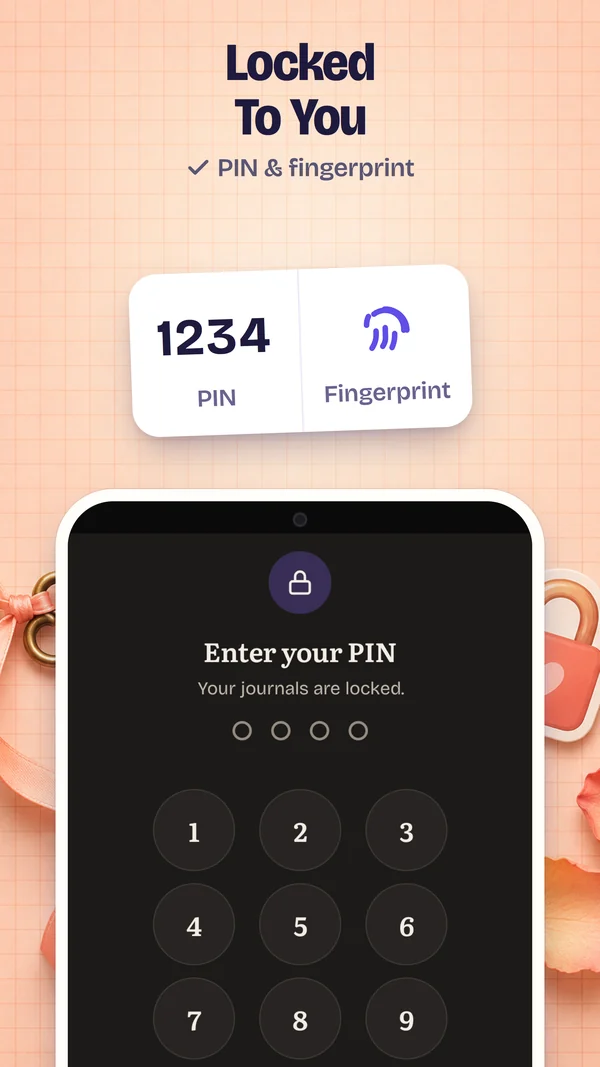
Nothing you write leaves your phone unless you turn on Google Drive backup, locked with your password first. Your pages stay in the app’s private storage, out of Android’s cloud backup, behind a PIN — or your fingerprint — asked for whenever the screen has been off.
Photos, 117 stickers, voice notes and drawings with an eraser, right in the page.
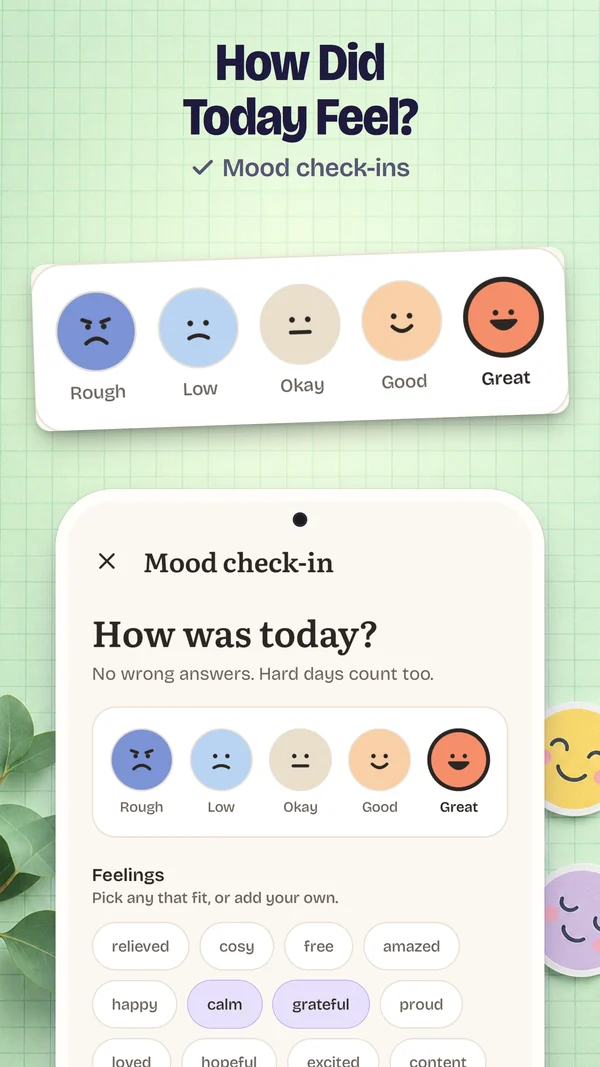
Five moods, and words for how the day felt, from a list or your own.
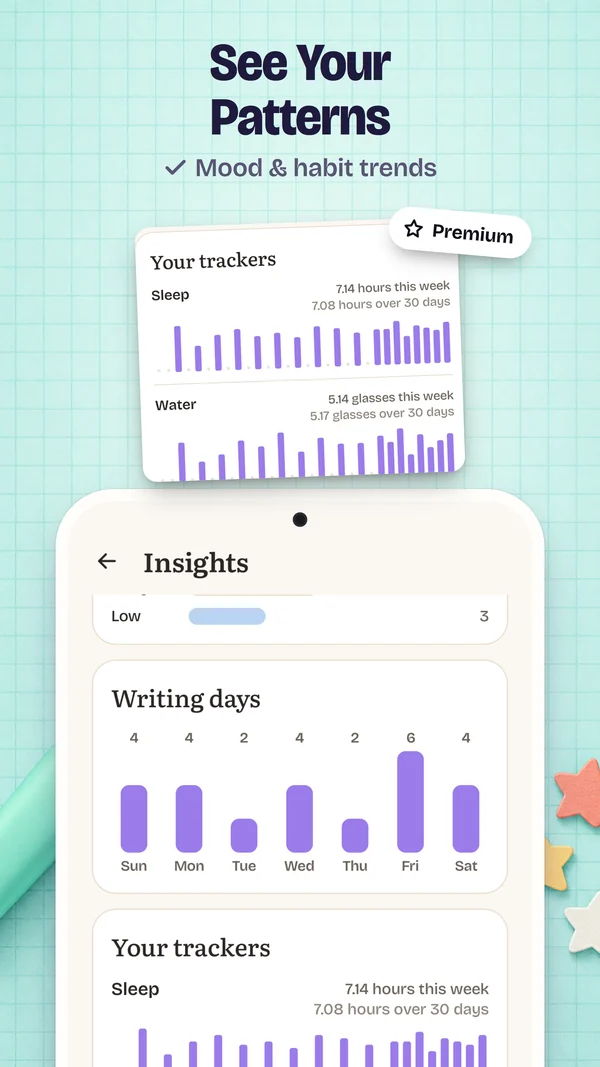
Sleep, water, energy or your own, charted over 30 days in Insights with Premium.
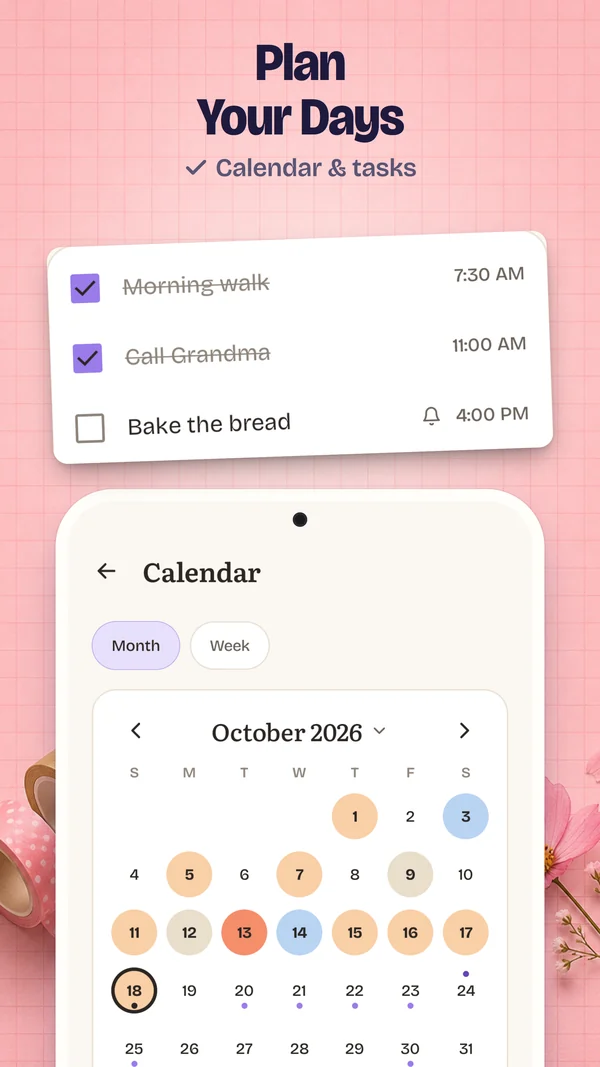
A calendar by month or week, and tasks with a time, a reminder and repeats.
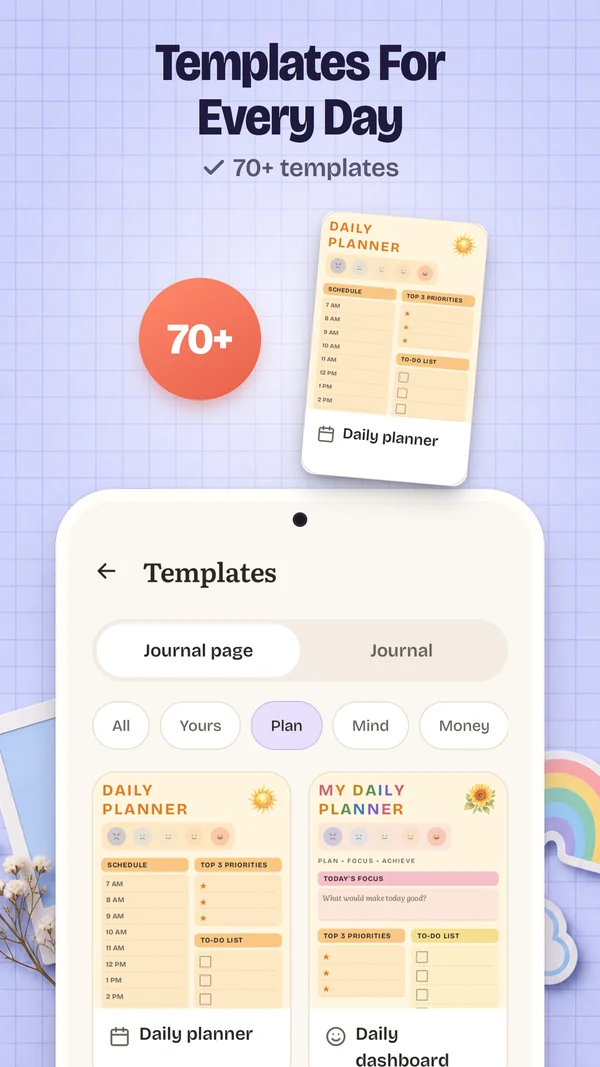
Daily plan, gratitude, habit tracker and more: 14 free, all 70 with Premium. Or one of 64 questions for the days nothing comes.
The pages you wrote a week, a month and a year ago today.
Search every page of every journal.
Save a page as a PDF, photos and all, or a whole journal with Premium.
One file you keep, a backup each day to a folder you choose, or your own Google Drive, locked with your password. Restoring never replaces a newer page.
Saved as you type, 30 earlier versions of every page, and a 30-day trash.
If you want one: once a day, and quiet on days you have already written.
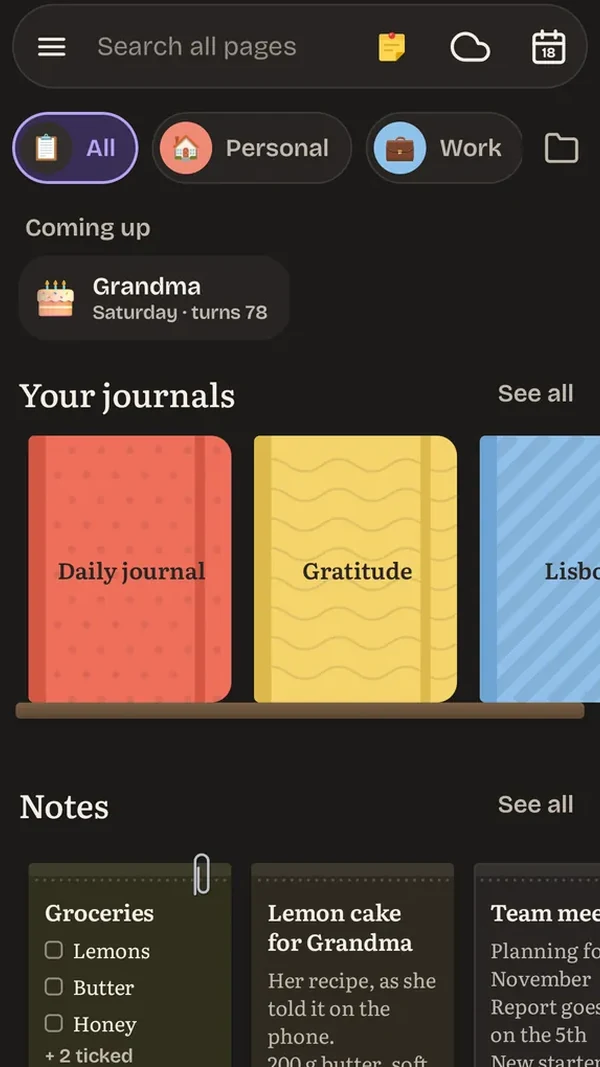
Light, dark or as your phone, with seven accent colours.
How it works
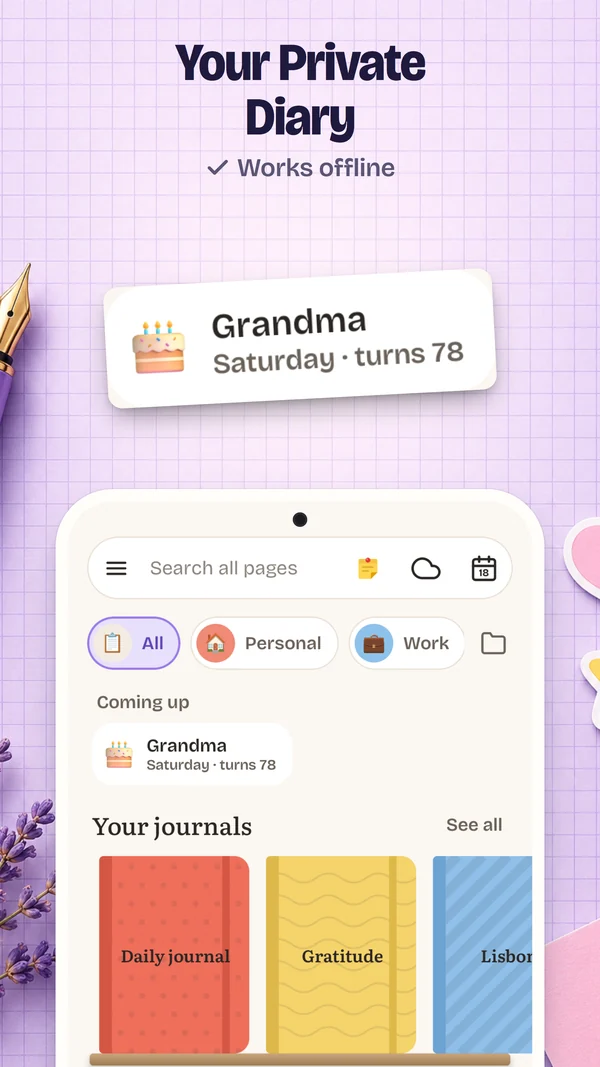
No sign-up and no account. Pick a cover and start — in airplane mode too.
Pages, moods, photos and tasks, with templates and questions for the days nothing comes.
Back up to a file you keep, save journals as PDFs, and bring everything to a new phone.
Screens
The app’s own screens, with example pages. Drag or use the arrows.
Why it’s different
| Journal & Notes | Typical journal app | |
|---|---|---|
| Internet | Works offline | Needed for sync, ads or sign-in |
| Account | Not needed | Asked for to back up or sync |
| Ads | Never | In many free versions |
| Paying | Once, for Premium — no subscription | Often a subscription |
| Deleted by mistake | 30-day trash, and undo | Often no trash |
| App closes while you type | Saved as you type | Some lose the entry |
| Backup | Free: a file you keep, or your own Google Drive | Sometimes paid, or cloud only |
FAQ
Yes, everything works offline, in airplane mode too. What you write stays on your phone unless you turn on Google Drive backup, which is locked with your password first. No ads, no analytics. Buying Premium goes through the Play Store app.
No. There’s no sign-up, no login and no email. Open it and start writing.
No. Writing, the lock and every backup are free. Premium, bought once, unlocks everything: unlimited journals and photos, all 70 templates and 117 stickers, private journals, a whole journal as one PDF and Insights. There are no ads.
They’re kept only in the app’s private storage on your phone, and left out of Android’s cloud backup. A PIN lock, which can also open to your fingerprint, asks for your PIN when you open the app and whenever the screen has been off.
Yes. Back up to one file, or let the app back up by itself to a folder you choose, then restore it on the new phone. Restoring adds what’s missing and never replaces a newer page.
Deleted pages wait 30 days in the trash, and every page keeps 30 earlier versions you can go back to.
Save a page as a PDF, photos included, and print or share it from there; with Premium, a whole journal as one PDF. A page can also be shared as text.
No. Nothing reads, summarises or learns from what you write.
Android 8.0 and newer.
Journal & Notes is coming soon to Google Play. This page will link to it the day it’s out.
Coming soon
Coming soon to Google Play · Works offline · No ads · No account
Write to usQuestions, or want to hear when it’s out? support@wriko.cloud